Explore data with DuckDB inside ProxySQL
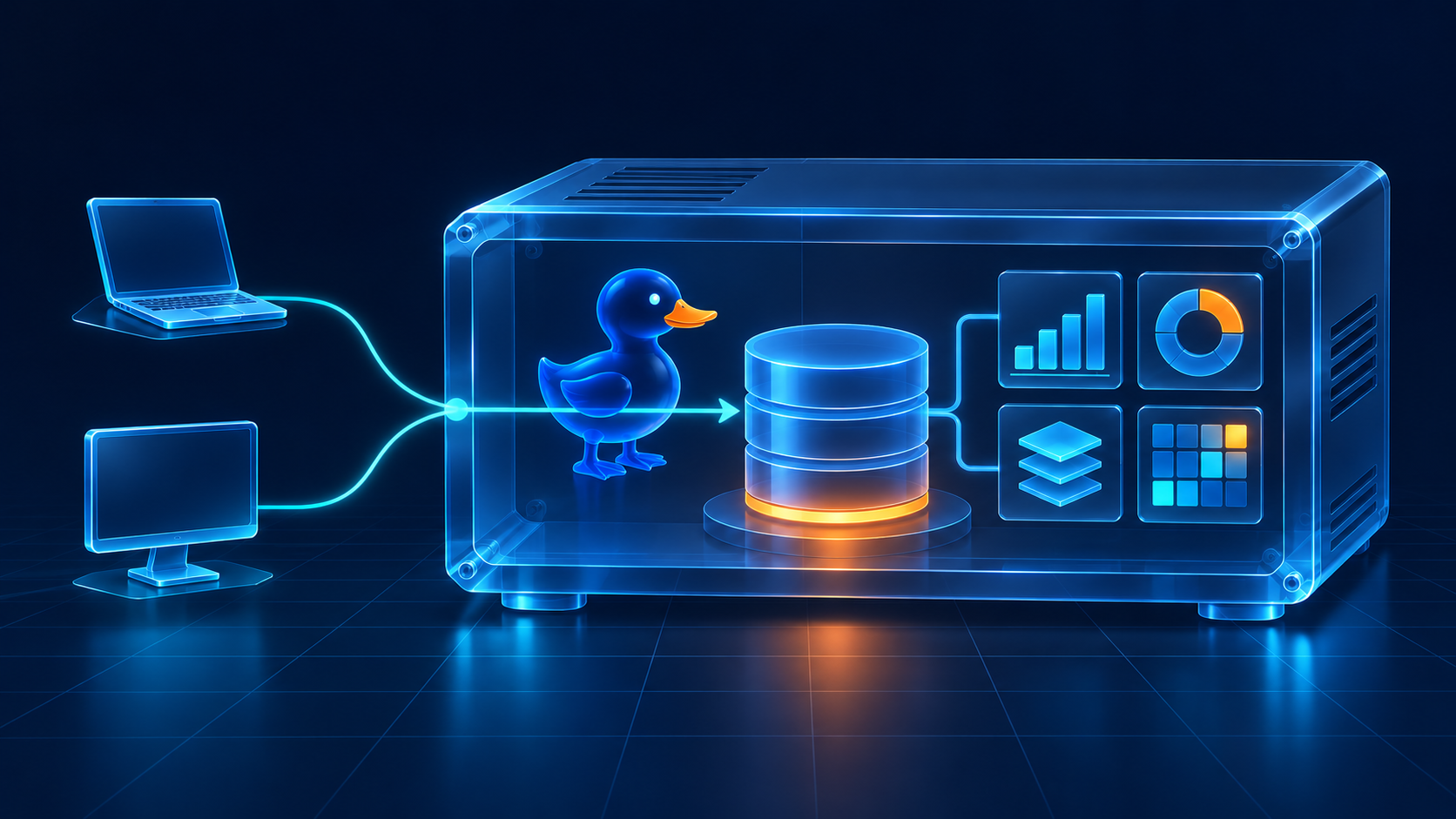
Suppose you have a few working tables for an investigation. You want to group some sales by region, check the underlying rows, and let another script use the same data. You already have SQL clients you know how to use. What you need is somewhere to put the tables.
The new DuckDB plugin gives ProxySQL that role. It runs DuckDB inside the proxy process and lets supported MySQL and PostgreSQL clients connect to it. There’s no separate DuckDB server to start, and the two kinds of client can work with the same database.
That opens up a useful possibility for small analytical workflows: keep the working data in ProxySQL, use DuckDB SQL to explore it, and connect through familiar tools. The tables live in the embedded database, separate from the backend databases ProxySQL routes application traffic to.
We’re introducing the plugin in the published ProxySQL 4.0.12 prerelease. It uses DuckDB 1.4.5 and requires source installation; the downloadable release packages do not include it.
Put in three rows and ask a question
Once the plugin is installed, loaded and given an account, the first query looks familiar. Connect with the MySQL interactive client:
mysql -h 127.0.0.1 -P 6031 -u duckuser -pHere, duckuser is an active account you’ve configured in ProxySQL’s mysql_users table. The password prompt keeps the password out of the command line.
In an otherwise empty demonstration database, create a small sales table. Send each statement separately:
CREATE TABLE article_sales (
    region VARCHAR,
    amount DECIMAL(12,2)
);
INSERT INTO article_sales VALUES
('north', 125.50),
('south', 200.00),
('north', 74.50);Now ask for the total in each region:
SELECT region, SUM(amount) AS total
FROM article_sales
GROUP BY region
ORDER BY region;
North and south each total 200.00. The north total comes from two rows; the south total comes from one. It’s a tiny example, but it shows the complete path: a MySQL client sends a query to ProxySQL, DuckDB executes it, and the client displays the answer.
The query runs in the embedded database. It doesn’t need a hostgroup pointing to a MySQL server to calculate those totals.
Open another client and keep exploring
Perhaps the next tool you want to use speaks PostgreSQL. Connect to the other DuckDB listener:
psql -h 127.0.0.1 -p 6034 -U duckuser mainThis connection needs an active account in pgsql_users. Using the same account name in these examples doesn’t automatically create that account in both user tables.
Read the rows you inserted through the MySQL connection:
SELECT region, amount
FROM article_sales
ORDER BY region, amount;
Both connections reach the same table. There’s no export to perform and no replication to wait for between these two endpoints. Each client has its own DuckDB connection, with its own transaction and session settings, while the database is shared.
That is the interesting part of this arrangement. Choosing a MySQL client for one job and a PostgreSQL client for another doesn’t require maintaining two copies of the working dataset.
The connection protocol also doesn’t change the SQL engine. Both clients send DuckDB SQL. This initial release supports simple text queries, one statement per request, and describes result columns as text. Interactive exploration is a good place to begin; an application that depends on client prepared statements or automatic numeric type discovery needs a closer compatibility check.
Give the experiment a home
To try this yourself, use a matching 4.0 core and plugin from the DuckDB source installation guide. Loading the plugin requires a restart; it is a feature of the 4.0 Plugin Chassis tier.
The standard source installation places the module at the path below. Add it to the startup configuration, or add an element to your existing plugins array:
plugins = (
    "/usr/lib/proxysql/plugins/ProxySQL_DuckDB_Plugin.so"
)
Loading the module requires a restart. Check the startup logs to confirm the plugin loaded, the database opened and the listeners bound successfully.
Before sharing the endpoints, choose who may connect and where the listeners should be reachable. They listen on all interfaces by default. Everyone admitted to this DuckDB database shares its access; separate account names do not isolate tables. The security guide covers binding addresses, TLS and access settings.
By default, that database lives in memory. Closing your SQL client leaves the tables available to the next connection; stopping ProxySQL discards them. If the investigation becomes something you want to keep, choose a file-backed database before loading data you need to retain. You can start with three rows and familiar clients, then decide how long their shared workspace should live.