What's Coming to dbdeployer
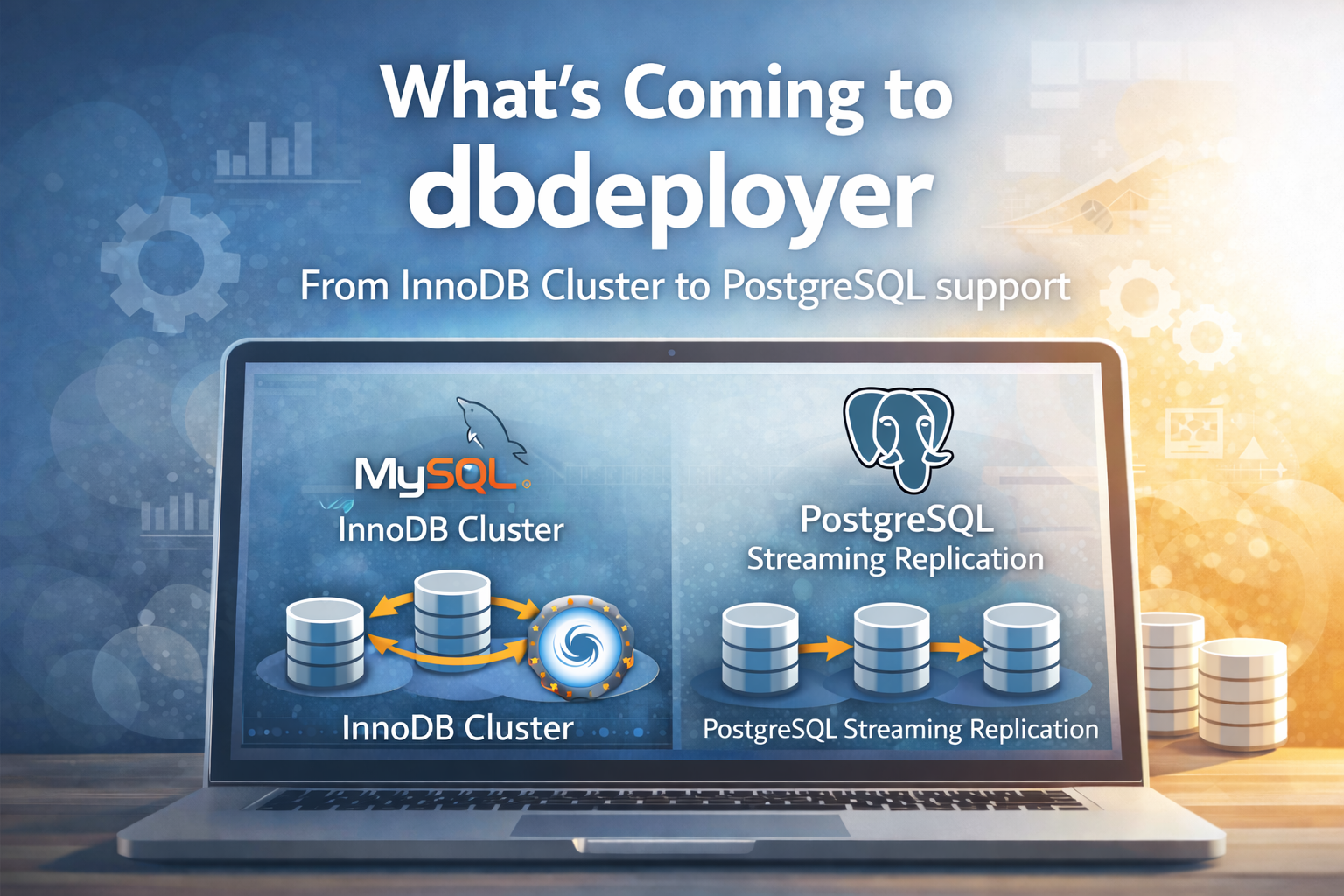
When we took over dbdeployer, we had a clear goal: turn a MySQL sandbox tool into a database infrastructure platform. We’ve been heads-down building, and we’re ready to start sharing what we’ve done.
dbdeployer v2.1.1 is out, and it’s a different tool than what you remember. Let us show you.
5-minute quickstart
Before you can deploy sandboxes, you need dbdeployer itself and the database binaries. Here’s how to go from zero to running sandboxes in under 5 minutes.
Install dbdeployer:
$ curl -s https://raw.githubusercontent.com/ProxySQL/dbdeployer/master/scripts/dbdeployer-install.sh | bashDownload and unpack MySQL 8.4 (the current LTS release):
$ dbdeployer downloads get-by-version 8.4 --newest
Downloading mysql-8.4.8-linux-glibc2.17-x86_64.tar.xz
...

$ dbdeployer unpack mysql-8.4.8-linux-glibc2.17-x86_64.tar.xz
Unpacking tarball mysql-8.4.8-linux-glibc2.17-x86_64.tar.xz to $HOME/opt/mysql/8.4.8
The first command downloads the latest MySQL 8.4 tarball from dev.mysql.com. The second extracts the binaries into ~/opt/mysql/8.4.8/ — dbdeployer’s binary repository. No root, no apt-get install, no package manager. Just binaries in your home directory.
For PostgreSQL, the process is slightly different. PostgreSQL doesn’t distribute pre-compiled tarballs, so dbdeployer extracts binaries from .deb packages instead:
$ apt-get download postgresql-16 postgresql-client-16
$ dbdeployer unpack --provider=postgresql postgresql-16_*.deb postgresql-client-16_*.deb
PostgreSQL 16.13 unpacked to $HOME/opt/postgresql/16.13
The apt-get download command fetches the .deb files to your current directory without installing anything — your system is untouched. Then dbdeployer unpack extracts the binaries into ~/opt/postgresql/16.13/. You can have multiple PostgreSQL versions side by side, just like MySQL.
You’re ready to deploy.
MySQL replication in one command
A single command creates a 3-node MySQL replication topology: one source (master) and two replicas (slaves), fully wired with replication, running on localhost with auto-assigned ports.
$ dbdeployer deploy replication 8.4.8
Installing and starting master
. sandbox server started
Installing and starting slave1
. sandbox server started
Installing and starting slave2
. sandbox server started
initializing slave 1
initializing slave 2
Replication directory installed in $HOME/sandboxes/rsandbox_8_4_8
That’s it — three MySQL 8.4.8 instances running on your machine. The source is writing binary logs, both replicas are connected and replicating. Each sandbox is a self-contained directory with start, stop, and client scripts.
A note on naming: MySQL 8.0.22+ renamed “master/slave” to “source/replica” in its SQL syntax (
CHANGE REPLICATION SOURCE TO,SHOW REPLICA STATUS). dbdeployer v2.1.1 uses the correct modern syntax under the hood with version-aware templates. The output still shows “master/slave” in directory and script names for backward compatibility — the SQL commands use the right syntax for your version.
Let’s verify replication actually works. The test_replication script writes 20 rows on the source, waits for each replica to acknowledge, checks that IO and SQL threads are running, and confirms the data arrived:
$ ~/sandboxes/rsandbox_8_4_8/test_replication
# master log: mysql-bin.000001 - Position: 15455 - Rows: 20
# Testing slave #1
ok - slave #1 acknowledged reception of transactions from master
ok - slave #1 IO thread is running
ok - slave #1 SQL thread is running
ok - Table t1 found on slave #1
ok - Table t1 has 20 rows on #1
# Testing slave #2
ok - slave #2 acknowledged reception of transactions from master
ok - slave #2 IO thread is running
ok - slave #2 SQL thread is running
ok - Table t1 found on slave #2
ok - Table t1 has 20 rows on #2
# PASSED:    10 (100.0%)
10 out of 10 checks pass. Data written on the source is on both replicas. Replication is healthy. All in about 10 seconds.
PostgreSQL streaming replication
dbdeployer now supports PostgreSQL as a first-class provider. The same deploy replication command works — but under the hood, everything is different: initdb instead of mysqld --initialize, pg_basebackup instead of CHANGE REPLICATION SOURCE TO, postgresql.conf instead of my.cnf.
$ dbdeployer deploy replication 16.13 --provider=postgresql
  Primary deployed (port: 16613)
  Replica 1 deployed (port: 16614)
  Replica 2 deployed (port: 16615)
This creates a PostgreSQL 16.13 primary, then uses pg_basebackup to create two streaming replicas from the running primary. The replicas connect to the primary’s WAL stream automatically.
Let’s prove it works. Create a table and insert a row on the primary, then read it from a replica:
$ ~/sandboxes/postgresql_repl_16613/primary/use -c \
    "CREATE TABLE demo(id serial, msg text); INSERT INTO demo(msg) VALUES ('hello from primary');"
CREATE TABLE
INSERT 0 1

$ ~/sandboxes/postgresql_repl_16613/replica1/use -c "SELECT * FROM demo;"
 id |        msg
----+--------------------
  1 | hello from primary
(1 row)
The row written on the primary is immediately visible on the replica — streaming replication is working. We can also check the replication status directly:
$ ~/sandboxes/postgresql_repl_16613/check_replication
 client_addr |   state   | sent_lsn  | write_lsn | flush_lsn | replay_lsn
-------------+-----------+-----------+-----------+-----------+------------
 127.0.0.1   | streaming | 0/40217D8 | 0/40217D8 | 0/40217D8 | 0/40217D8
 127.0.0.1   | streaming | 0/40217D8 | 0/40217D8 | 0/40217D8 | 0/40217D8
(2 rows)
Two replicas connected, both in streaming state, all LSN positions identical — the replicas are fully caught up with the primary.
There’s a lot more
What you’ve seen is just the start. dbdeployer v2.1.1 also supports:
# Group Replication — 3 nodes, automatic failover
dbdeployer deploy replication 8.4.8 --topology=group

# InnoDB Cluster — Group Replication + MySQL Shell + MySQL Router
dbdeployer deploy replication 8.4.8 --topology=innodb-cluster

# InnoDB Cluster with ProxySQL instead of MySQL Router
dbdeployer deploy replication 8.4.8 --topology=innodb-cluster --skip-router --with-proxysql

# Standard replication with ProxySQL read/write split
dbdeployer deploy replication 8.4.8 --with-proxysql
Each of these deserves its own deep dive — how Group Replication nodes negotiate leadership, how InnoDB Cluster compares to a ProxySQL-fronted topology, how ProxySQL’s mysql_group_replication_hostgroups enables automatic failover routing.
Coming up in this series
We’ll be publishing detailed posts on each of these topics:
- The Provider Architecture — how we made dbdeployer support MySQL and PostgreSQL through a single extensible interface
- PostgreSQL Support — the full story, from deb extraction to why replicas can’t be created in parallel
- InnoDB Cluster: Router vs ProxySQL — same cluster, swap proxies with one flag, compare the tradeoffs
- MySQL 8.4 and 9.x — what changed in replication syntax and how version-aware templates eliminate deprecation warnings
- CI That Actually Tests Everything — every topology tested end-to-end with real data flow verification
Follow the GitHub repository for releases, or check back here for the detailed posts.
We’re not just maintaining dbdeployer — we’re rebuilding it for the next era of MySQL and PostgreSQL development.